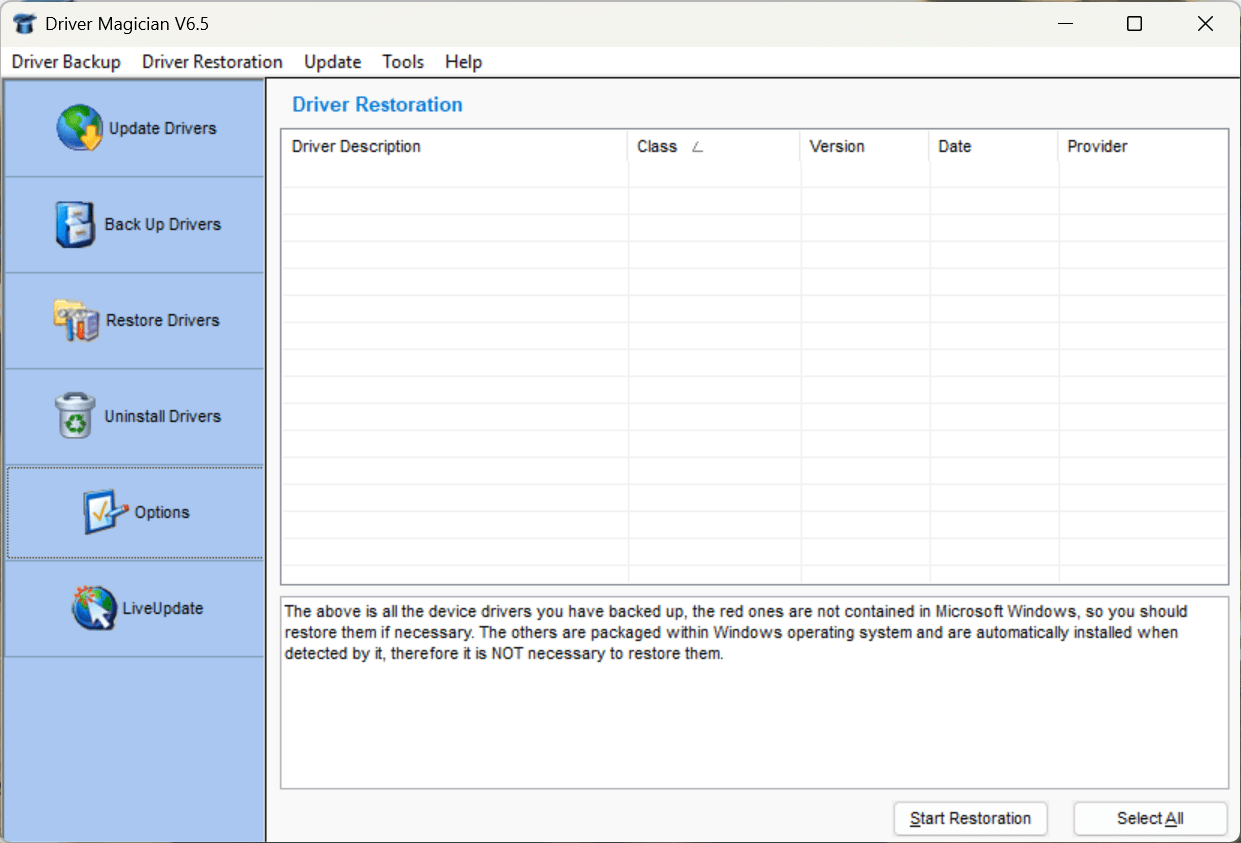
If you are on the lookout for an application that helps you back up, restore, update, and manage drivers for your Windows PC, Driver Magician will help you do exactly that. The Windows utility is mainly for users who frequently reinstall Windows or work with operating systems enough to go through the pain of managing drivers every single time. If you want to avoid driver-related issues, you can install Driver Magician and let it back up and restore your drivers.
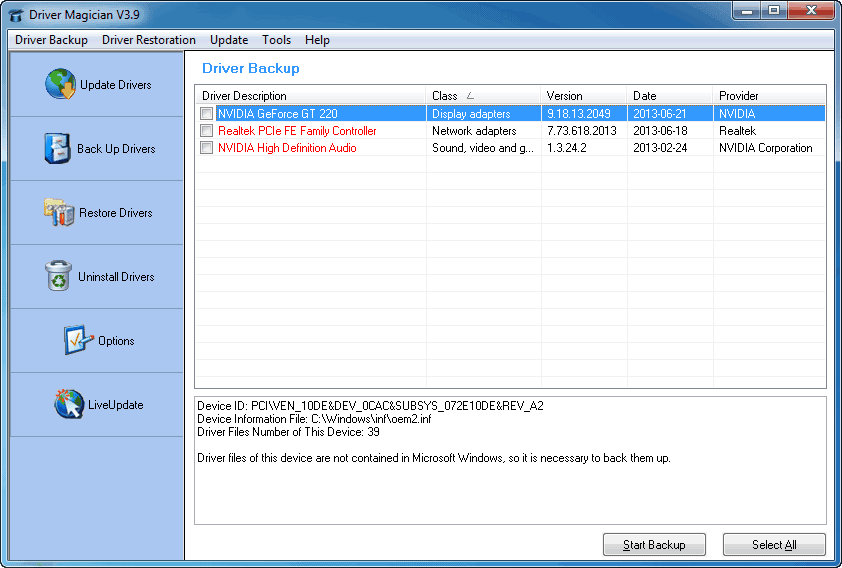
Upon running the software, it scans the system and identifies all installed hardware drivers. You can then choose which ones to back up to a folder, compressed archive file, or executable package that you can execute on another PC or after reinstalling Windows. This is incredibly useful if you want to save time hunting for drivers online after a fresh system install.
Driver backup and restoration tools
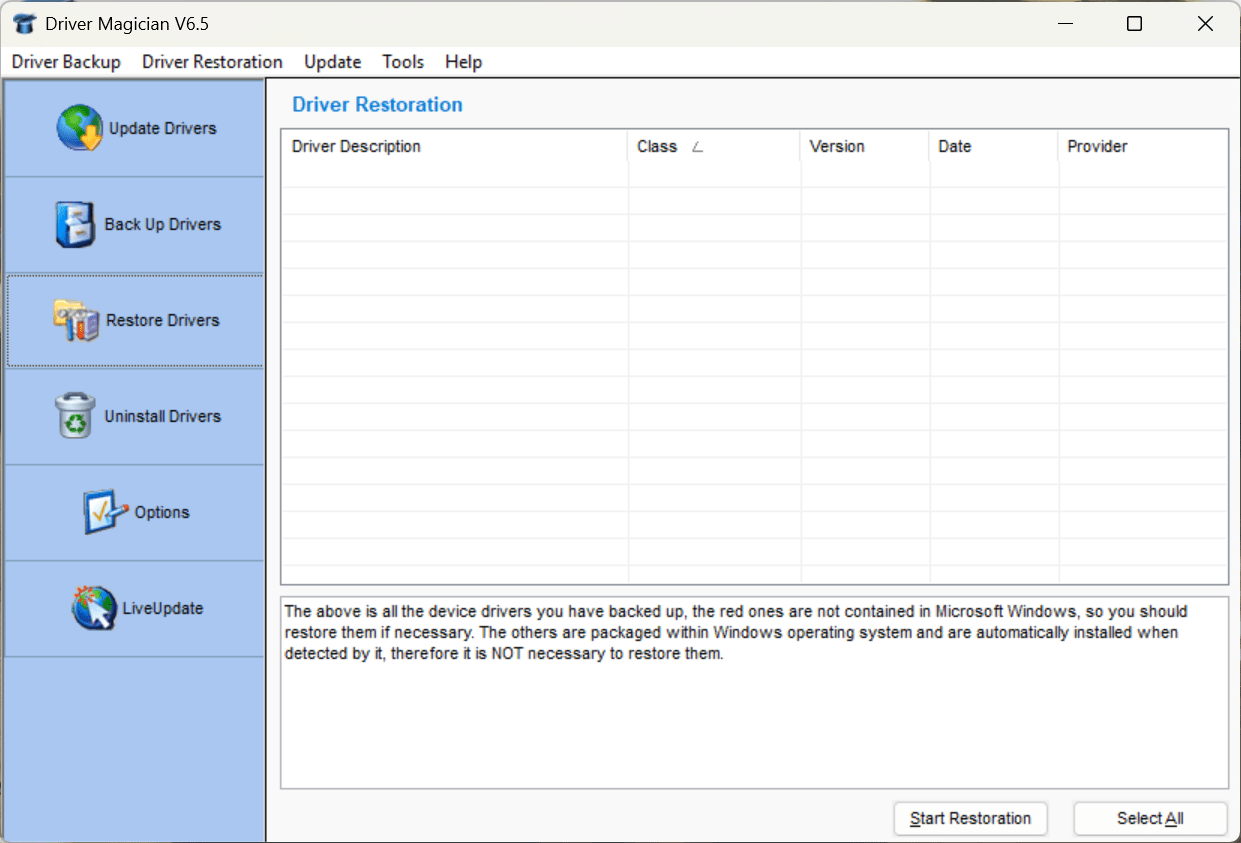
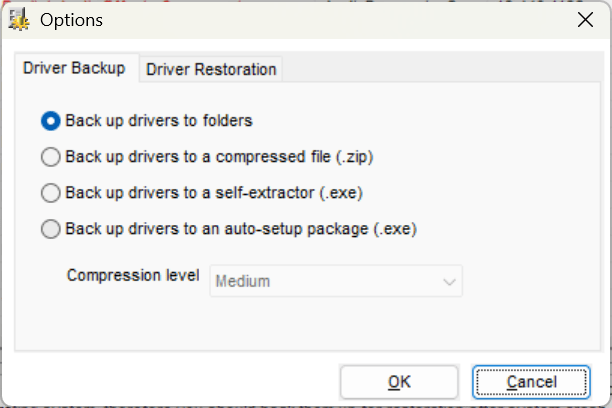
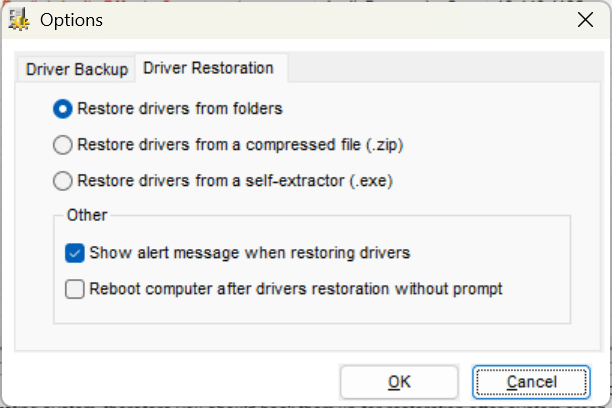
Driver Magician’s core functionality is its driver backup and restore system. You can choose to back up specific drivers or all of them. You can save them as folders, ZIP archives, or self-extracting EXE files. The best part is that you can restore the drivers as easily as you backed them up.
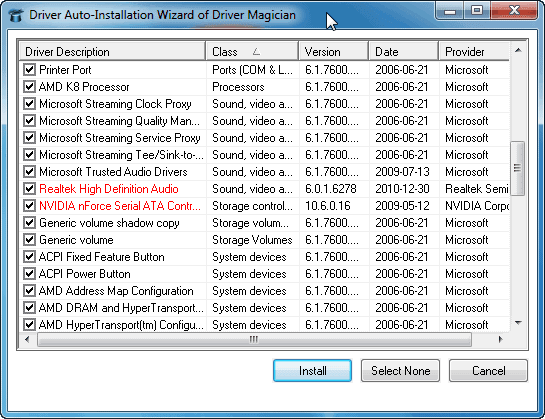
You might think you need Driver Magician installed again to restore your drivers. However, by creating self-restoring executable backups, you can simply reinstall them later without needing the app itself. This makes the restoration process very easy.
The backup feature is powerful enough to handle system-related items as well. In addition to drivers, you can back up your Registry, My Documents, and Desktop folders, and restore them later.Driver updates and hardware detection
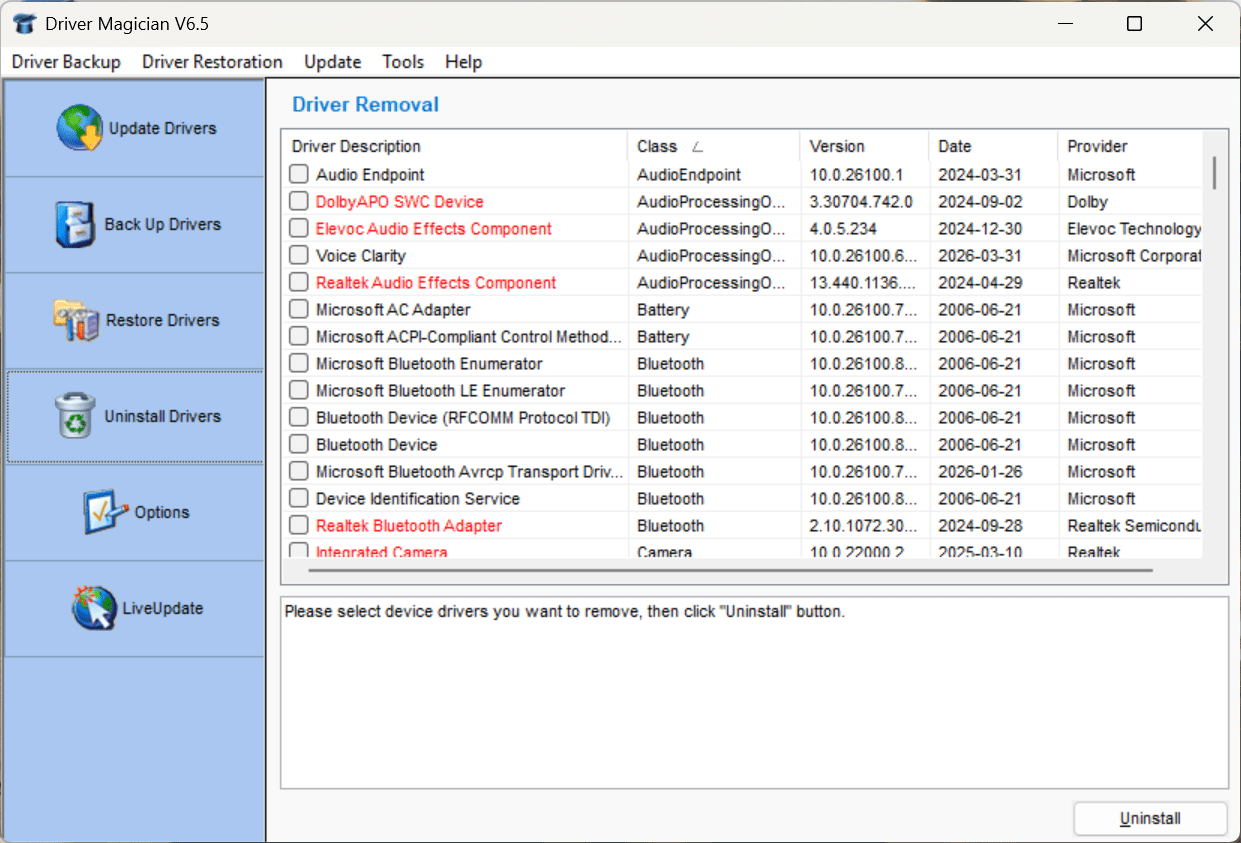
Let's be honest: managing drivers on Windows can be a tedious process. It helps to have a reliable utility to keep them updated and maintained.
The application detects unknown hardware devices using its built-in identification tools and helps you find the correct drivers. This is particularly useful after a fresh Windows installation, where some devices may initially appear without proper drivers.
While the update system is easy to use, it is still important to know what is going on. Display drivers, like those for AMD graphics cards, can sometimes cause issues, so you should always create backups before updating.Pricing and versions
Driver Magician offers a free trial, but full functionality requires purchasing a license. There is also a freeware version called Driver Magician Lite, but it only supports backing up drivers and lacks the built-in restoration and update features. The price itself may vary based on your region and any ongoing discounts or offers.Dated UI, but a useful utility
Driver Magician uses a classic Windows-style interface that looks quite dated now. Fortunately, this type of utility does not need a modern UI to be effective. The functionality is exactly where it needs to be, and it works almost perfectly.